
History Module
Module Overview
The History module keeps a record of what changes in Web2project: each time someone creates, updates or deletes a company, project, task, contact, file, link or other item, it notes when it happened, what kind of item it was, the item’s name and who did it. It is useful for answering “who changed this, and when?”
 The History module is active but hidden from the sidebar by default. Changes are recorded whenever the module is active. To open it from the sidebar, go to System Admin → View Modules and set History to “visible”; it then appears under Tools. To stop recording changes, disable the module there. The Log Changes setting in System Configuration is no longer used.
Viewing the History
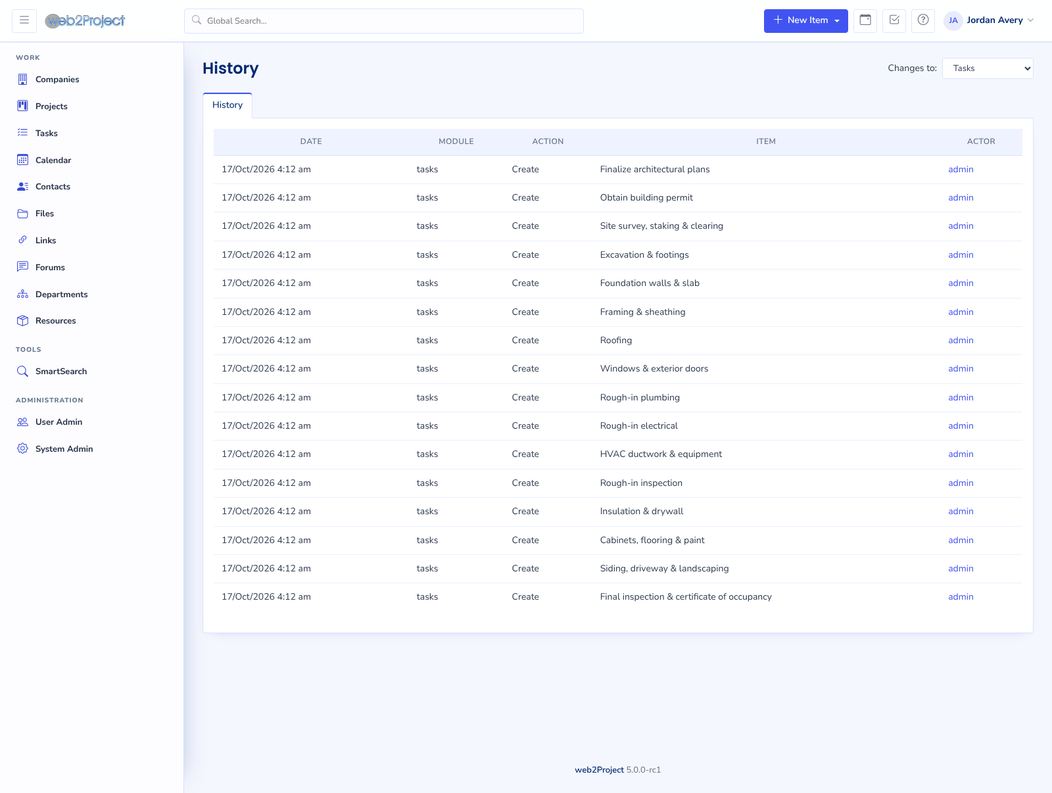
The History page lists the recorded changes, oldest first, split into pages. Use the Changes to filter at the top to choose which changes to show: “Show all”, one module at a time (Projects is selected at first), or “Login/Logouts”.
The columns are:
- Date: when the change was made
- Module: the kind of item that changed
- Action: Create, Update or Delete
- Item: the item’s name when it was saved. Deletes are recorded without a name.
- Actor: the user who made the change
You only see changes to items you are allowed to view.
The Login/Logouts filter shows the sessions that administrators ended from the Active Sessions tab in User Admin. Ordinary logins and logouts are recorded in the User Log instead.
History on a project
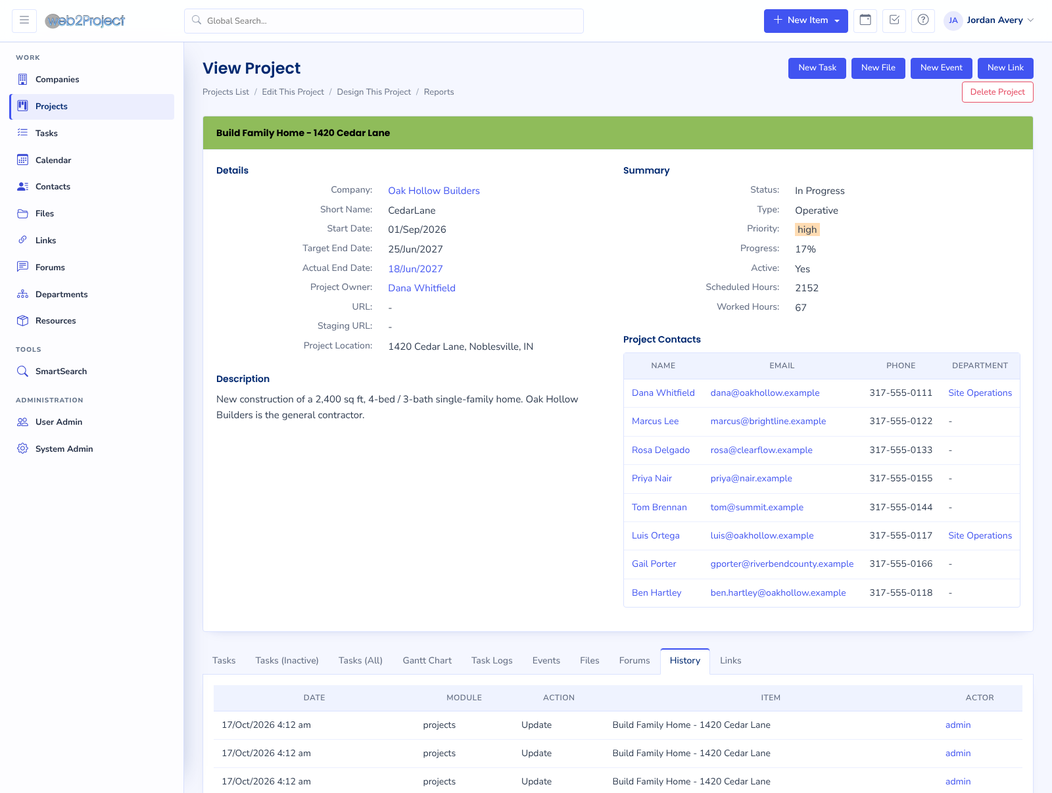
Projects also have a History tab, which lists the changes to that project.