
Help Module
Module Overview
Many fields and icons in Web2project show a short explanation when you hover over them. In System Configuration, every setting has an (i) icon with a description.
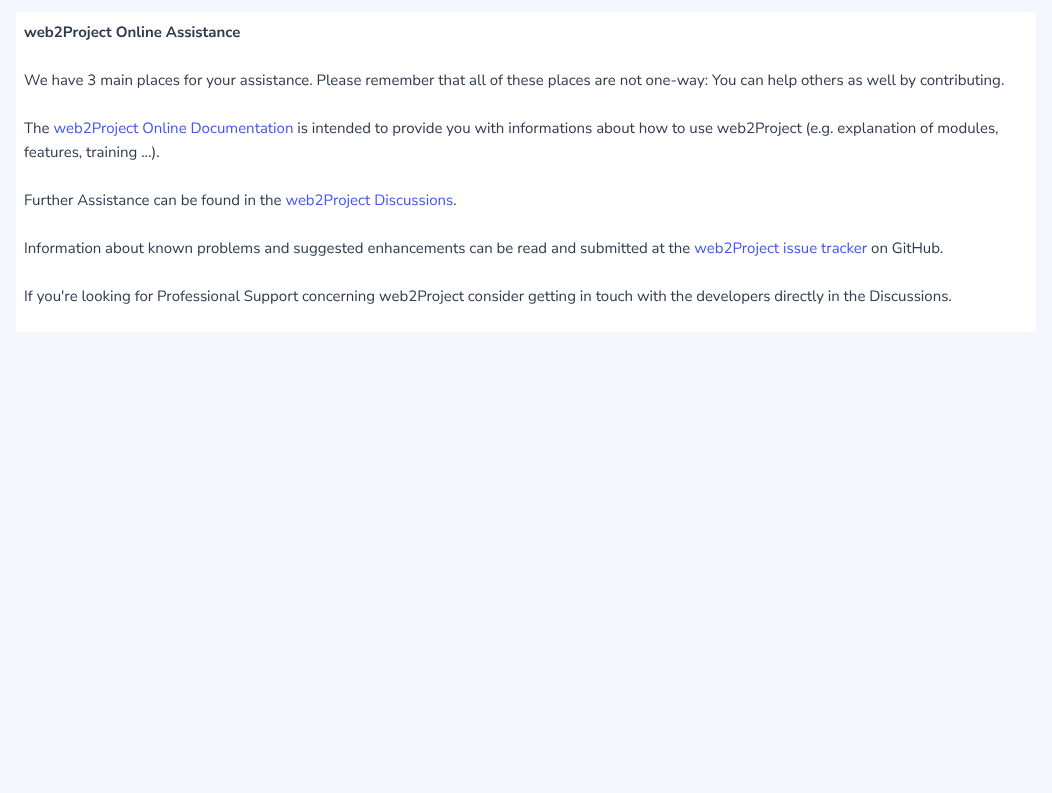
For anything else, select the Help icon (a question mark) in the bar at the top of every page. On narrow screens it is in the user menu. It opens a small window with links to where to find help:
- the Web2project documentation, this site, which explains each module and feature;
- GitHub Discussions, for questions;
- the issue tracker, for known problems and suggestions.
The Help window’s text comes from locales/{language}/help.php, so a translation can provide its own version. The Help module is active but hidden from the sidebar by default; the icon in the header works either way.